
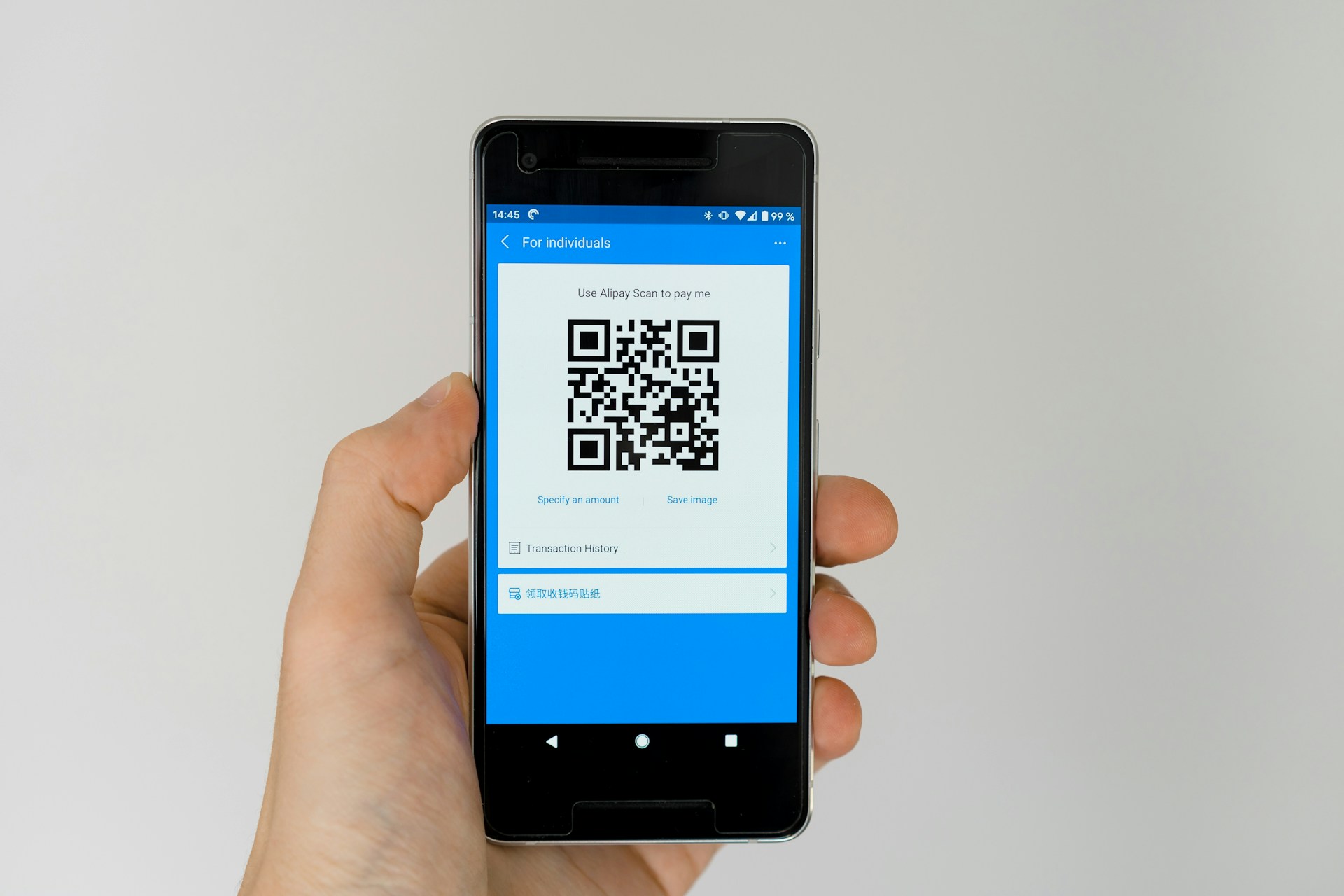

QR codes are everywhere in modern technology. Since the main aspect of keyless entry systems is the apps that offer contactless payments and access to the menu, it is evident that QR codes are a milestone in technology development and usability. However, conveniences offer an ideal situation to a criminal.
Cybercriminals use QR codes without a second thought and commit the act of quishing. This type of cyber fraud involves deceiving unsuspecting users in order to steal confidential information or to entrap them into harmful websites.
What is Quishing?
Quishing or QR code phishing is a type of cyberattack perpetrated by a malicious attacker intending to lure people into scanning an affected QR and accessing fraudulent websites. These bogus codes tend to emulate trusted platforms and websites such as banks, online shopping platforms or even government departments to entice users into providing their personal information, banking data or passwords.
The technique is also called QR code spoofing or QRishing that exploits the inherent trust that users have in QR codes. As these codes look like an innocent pixel pattern, they are likely to go unspotted by traditional security systems and hence a powerful tool used by cyber criminals.
How QR Code Phishing (Quishing) Works
The common QR code phishing attack is carried out in a series of steps that are calculated:
- Creation and Distribution – Hackers create a spoofed QR code and disseminate it digitally or face-to-face through emails, flyers and posters, SMS or social media advertisements.
- False Advertising – The QR code is frequently accompanied by the alluring offers in the form of discounts, prizes, or employment opportunities to attract attention to the users.
- Scanning by the Victim – The target scans the QR code using their mobile device and this initiates a redirection.
- Deception to a Rogue Webpage – This code directs to a rogue web page that is designed to resemble a reliable brand or service.
- Data Theft and Exploitation – This is a process where users are duped into providing sensitive information, including credit card numbers, logins, or personal identifiers which can be later harvested by attackers.
- The smooth process may mislead even alert users because of the visual resemblance of authentic and counterfeit QR codes.
Common Types of Quishing Attacks
Fake Product Discounts
The cybercriminals spread QR codes that promote incredible offers on the desired goods. After being scanned, the user is redirected to a fake e-commerce site where it steals payment details and does not send any product.
Event Ticket Scams
Individuals who are committing frauds will advertise QR codes to non-existent concerts or events, and users will purchase fake tickets. It does not only lead to loss of money by the victims but also causes them to expose personal information.
Job Offer Scams
Fraudsters use the counterfeit recruitment messages with QR codes that purport to connect to the application form. These websites collect personal information and banking details in name of checking backgrounds or registration charges.
Banking and Financial Fraud
The attackers attempt to send spam emails purporting to be sent by banks or other financial institutions to users and request that they scan a QR code to confirm their accounts. Such counterfeit portals of banks steal logins and empty accounts.
Cryptocurrency Scams
False QR codes are distributed through social networks or mails, which promise to transfer crypto funds. Any scan of such codes transports money straight to the wallet of the scammer.
Charity Donation Scams
False donations are raised by way of fraudulent QR codes. Fraudsters use the pretext of charities and lure users into giving donations to non-existing organizations.
Parcel Delivery Frauds
Attackers use SMS or email messages that contain QR codes that are marked as delivery tracking links. After scanning they redirect to bad websites which install malware or demand personal verifying information.
COVID-19 Related Scams
Scammers used fear and confusion to spread QR codes that would take people to non-existent vaccine registration sites or health guidelines but were not phishing websites during the pandemic.
Restaurant Menu Attacks
Incorrect QR codes on restaurant tables or posters direct clients to malicious websites that are trying to install malware software or collect financial information via payment requests.
Real-World Quishing Examples
Chinese Quishing Campaign Targeting Bank Users
In 2022, a QR phishing attack in China targeted a large number of people impersonating the Ministry of Finance and claiming that they could get a government grant. The bogus QR code was integrated into the official-looking emails and it would send the user to a webpage where they would be asked to enter the bank and credit card information.
The mobile messaging applications such as WeChat were exploited by the hackers through the low security levels on the mobile gadgets. The data that users had entered was immediately sent to the servers of attackers.
Fraudulent Pay-to-Park QR Codes in the US.
At the state of Texas, fraudsters printed counterfeit QR code decals on parking meters and redirected drivers to a fake payment platform. Victims provided their credit cards details without knowing that they were transferring their information to criminals. In 2022, a comparable fraud in Atlanta was executed, involving fake QR codes on parking tickets and leading drivers to pay fake fines online.
What is QRLJacking?
Another attack that is similar to this is QRLacking which relies on Quick Response login (QRL) systems, aimed at logging in to an application or website. Here’s how it works:
- The attacker will start a valid QRL session on an authentic site.
- They recreate the QR code and put it on a fraudulent login screen.
- The victim scans the code that is being cloned, which sends a person to the attacker in direct access to their account.
One of the attack types may go around security features as long as multi-factor authentication (MFA) is not activated, allowing hackers to take complete control of an account.
Belligerent Precursors of a Quishing attack.
It is critical to identify the red flags in order to prevent QR phishing scams. Be cautious if you notice:
- Unwanted QR codes of unknown sources.
- Scanned domain mismatch or odd URLs.
- Messaging or landing page mistakes in grammar and spelling.
- Immediate or dangerous terms, e.g. check it out now or get my claim.
- Instantaneous requests on sensitive data following scanning.
Abnormal permission changes following the viewing of QR-linked pages.
When one has suspicions about something, do not engage and confirm the source by using the official channels.
How to Guard against Quushing on the Part of Yourself.
These are the cybersecurity best practices to protect yourself against quishing:
- Check the Author: Only check QR codes with reputable sources- official company records or verified accounts.
- Check URLs Before Clicking: Hovers or view the destination of the link when there is an opportunity. Check the presence of HTTPS and domain name.
- Do Not Scan Unsolicited Codes: Be cautious of QR codes on emails, text messages, or posters of anonymous authors.
- Check Physical Codes: Make sure that QR codes on physical objects are not scribbled or glued on existing labels.
- Install Trustworthy Security Software: Install thorough block malicious sites such as Kaspersky Premium which protects your data and blocks malicious sites.
Enable Two-Factor Authentication (2FA): This will add an additional security measure to avoid unauthorized access to the system.
Keep Devices Up to Date: It is important to regularly update the operating system and applications with the aim of eliminating vulnerabilities.
Educate Others: Spread awareness on QR code phishing to allow other people to be safe on the Internet.
Report Raised Codes: In case of suspicion of a phishing attack, you can report it to cybercrime or the IT department of your organization.
Quishing and QR Code Phishing Frequently Asked Questions.
What is quishing?
Quishing is a type of cyberattack when the QR codes are altered to redirect the user to fraudulent websites to steal sensitive data.
But what about telling whether a QR code is malicious or not?
Seek misspelled URLs, strange requests or codes that are received. Do not scan codes of flyers, emails, or advertisements that have not been verified.
How do I recover my money in case I get scammed?
Turn off, reset your passwords, turn on 2FA, and report the incident to your bank or local cybersecurity organization.
How can I stay safe?
Never trust any sources, check URLs, use the newest antiviruses, and learn about the current phishing methods.
Conclusion
QR codes have entered into the everyday lives of the modern world, where most of the interactions are being digital. The quishing threat however has brought into the limelight the need to be vigilant and cautious. Quishing is the presence of authentication checks, a careful inspection of URLs, and disapproving of scanning codes of questionable sources. Basic cyber hygiene and safe scanning will reduce the possible losses resulting because of phishing and quishing.
